
Your team is using AI every day, and honestly, it's great. These tools make them productive and efficient.
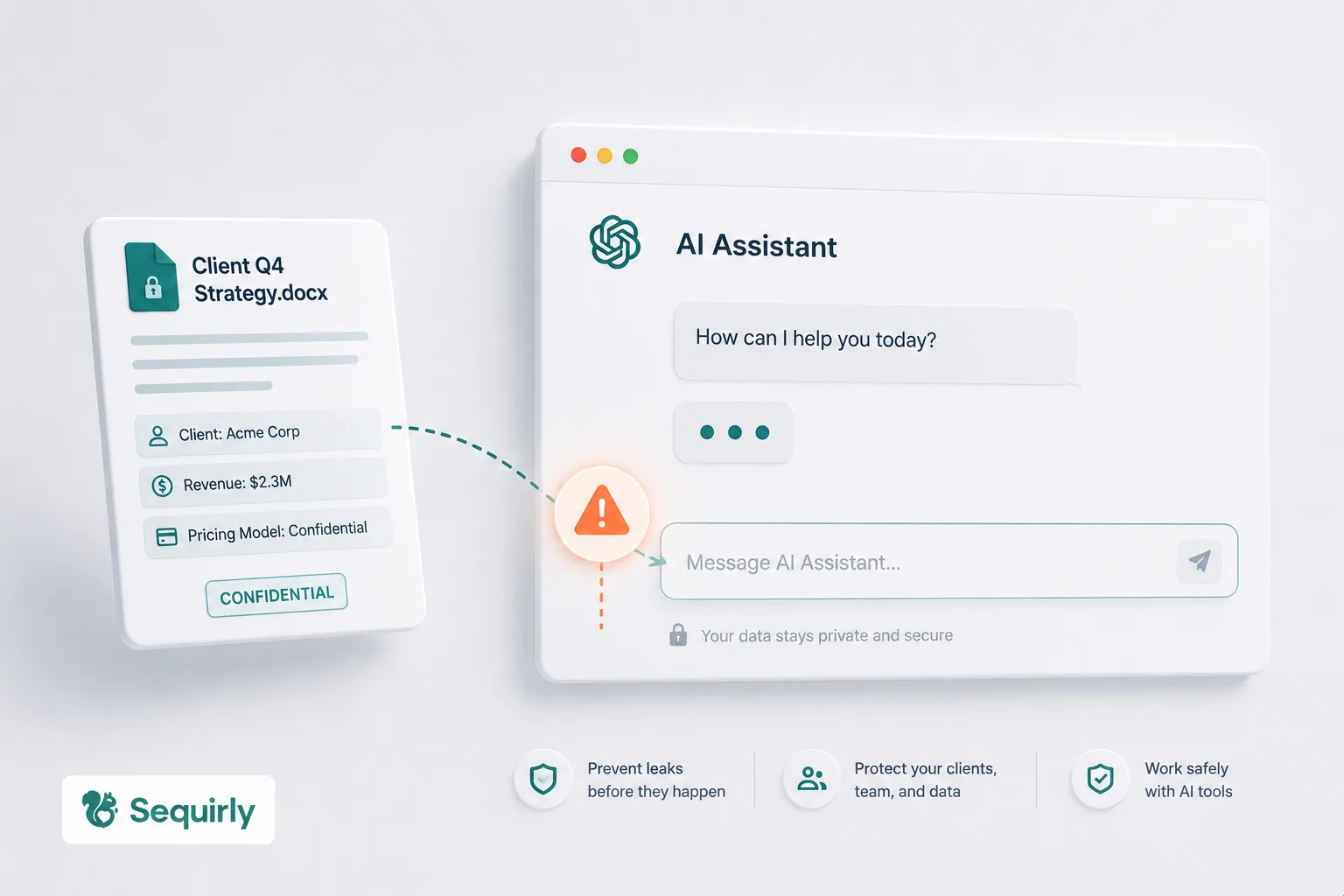
But every AI interaction is a potential risk of data leaks. When you paste information into AI tools, you might be leaking sensitive data buried within the text.
This isn't a hypothetical risk. It's happening right now, inside your team, probably today. About 77% of employees paste information into AI tools, and 22% of them include sensitive data.
But don't worry. You don't need a six-figure security budget or a dedicated IT team to fix this. You need a practical, step-by-step approach that works for small teams moving fast.
Step 1: Run a 15-Minute AI Usage Audit
You can't protect what you can't see.
Most companies assume their team uses ChatGPT for "light stuff" like brainstorming headlines or rewriting emails. The reality is usually different.
A recent study found that 27.4% of data sent to AI chatbots is sensitive, a 156% increase from the previous year. And nearly 40% of uploaded files contain personally identifiable information or payment card data.
So how do you fix this?
Send your team a quick survey or Slack message with these three questions:
You'll be surprised by the answers. The goal isn't to catch anyone. It's to understand what's actually happening so you can protect it.
Make sure you communicate the survey properly, so you get honest answers.
Step 2: Define What Should Never Go Into an AI Tool
Once you know what your team is sharing, you need to start drawing clear lines.
Not everything needs to be locked down. Asking ChatGPT to rewrite a blog headline is fine. Pasting a client's entire CRM export to "analyze the data"? That's where it gets risky.
The biggest reason people share sensitive data with AI tools isn't carelessness. Nobody told them what not to do. Fix that with a simple, specific list.
Create a one-page document with these categories and share it with your teams:
- Client data: Customer lists, CRM exports, contact databases, campaign performance data tied to specific clients
- Credentials: API keys, passwords, access tokens, cloud service keys (AWS, GCP, Azure)
- Financial data: Credit card numbers, bank details, invoices with payment information, tax IDs
- Personal information: Social Security numbers, passport numbers, driver's licenses, bulk email or phone lists
- Internal strategy: Confidential business plans, pricing models, M&A documents, unreleased product details
Pin it in Slack.
Add it to your onboarding doc.
Make it visible.
Step 3: Lock Down the Privacy Settings You're Probably Ignoring
This is the lowest-effort, highest-impact thing you can do today. Most AI tools have privacy settings that reduce your risk significantly, and almost nobody turns them on.
By default, ChatGPT uses your conversations to train its models.
Anything your team pastes could influence future outputs for other users. You can opt out, but you have to do it manually.
Spend 15 minutes going through these settings as a team:
- ChatGPT: Settings > Data Controls > toggle off "Improve the model for everyone." Better yet, use ChatGPT Team or Enterprise, which don't train on your data by default.
- Claude: Review Anthropic's data usage policy. Anthropic updated its policy in September 2025, and not responding to the policy change can default to consent.
- Google Gemini: Check "Gemini Apps Activity" and turn off conversation saving if you're using it for client work.
Create a simple checklist of settings to toggle and share it with everyone. Five minutes per person, done.
Step 4: Set Up a Green/Yellow/Red AI Workflow
You cannot ban AI tools. It doesn't work.
41% of employees find a way around blocks, and 60% will accept security risks if it helps them meet deadlines.
Samsung banned all external AI tools after engineers leaked source code through ChatGPT in 2023. The data that had already leaked was unrecoverable. And bans push usage underground, into personal devices and accounts you can't see.
Instead of banning, you can create approved workflows.
Build a one-page AI Usage Guide with three zones:
- Green: Tasks with no sensitive data. Brainstorming, rewriting drafts, and code explanations with dummy data. Use freely.
- Yellow: Tasks that might touch a sensitive context. Summarizing client meetings, analyzing anonymized data. Review before pasting.
- Red: Tasks involving raw client data, credentials, financial records, or PII. Don't paste. Anonymize first or use approved internal tools.
You should make it specific to your team's work. "Client campaign data" is clearer than "sensitive information."

Prevent accidental data leaks to ChatGPT, Claude, and Gemini.
Sequirly scans your prompts and uploaded files before they're sent. If it finds credentials, client records, or API keys, it stops you before the request goes out.
Step 5: Review and Update Every Quarter
AI tools change fast.
Anthropic changed Claude's data policy. OpenAI keeps adding features that interact with your data in new ways. New AI tools pop up constantly, and your team is probably already trying them.
What's safe today in your AI policy might not be safe six months from now.
A prevention plan that never gets updated stops working. So, you should set a quarterly 30-minute check-in to review three things:
- New tools: What AI tools has the team started using since last quarter? A quick Slack poll surfaces tools you didn't know about.
- Policy changes: Have the privacy settings or data policies changed for your primary AI tools? Vendors update these quietly.
- Guideline gaps: Are there edge cases your current guidelines don't cover? If people keep hitting the same gray area, update the guide.
For teams under 50 people, this doesn't need to be a formal audit. A calendar reminder and a 30-minute conversation is enough.
Step 6: Build Awareness Without Relying on Training Alone
Let me be honest with you. Training works.
But if it's your only defense, it won't be enough.
You can run the best security session on Monday, and by Wednesday, someone will paste a client spreadsheet into ChatGPT because they're under deadline pressure and the tool is right there, frictionless.
68% of organizations have experienced data leakage from employee AI usage, including companies with security training programs already in place.
The problem isn't that people don't know the risks. It's that AI tools are designed to eliminate friction. They don't include the "Are you sure?" moment and no pause between pasting and sending.
And when you are in flow state under deadline pressure, your brain skips the risk assessment.
Here's what you can do instead. Use training to set expectations, not as a safety net. Run a 30-minute team session covering:
- The specific data categories from your "What Never Goes Into AI" list (Step 2)
- The green/yellow/red workflow (Step 4)
- Two or three real examples of AI data leaks (Samsung, the OmniGPT breach, the browser extension incident that hit 3.7 million users)
Then back it up with something that catches mistakes in the moment, which is the next step.
Step 7: Add a Safety Net That Catches What Training Can't
Steps 1 through 6 are about policies, settings, and awareness. They matter. But they all depend on people remembering to follow them in the moment.
The reality is that when someone is rushing to finish a client deliverable at 6 pm, they're not thinking about the AI usage guide. They're thinking about the deadline.
And AI tools are designed to eliminate every bit of friction between the thought and the send.
This is the gap that tools need to fill. You need something that works at the point of action, the moment someone is about to paste sensitive data, before it leaves the browser.
You can look for tools that meet these criteria:
- Real-time detection: Catches sensitive data before it's sent, not after
- Local processing: Your data shouldn't go to yet another server to be "protected"
- Low friction: If it requires a 3-week rollout or an IT department to manage, it's not built for small teams
- Prevention, not surveillance: Your team should feel protected, not watched
For example, when you try Sequirly, it scans the prompts and document uploads for sensitive data and gives you a nudge before these are sent to AI tools.
But a tool or a system is not a silver bullet. It doesn't replace clear policies or proper settings. It catches the split-second mistakes that happen when someone is moving fast, which is the gap that Steps 1 through 6 can't fully close.
Where to Start
You don't need to implement all seven steps today. Here's a suggested order:
- This afternoon: Step 3 (lock down privacy settings). It takes less than 15 minutes.
- This week: Step 1 (run the audit) and Step 2 (create the list).
- Next week: Step 4 (green/yellow/red workflow) and Step 6 (team awareness session).
- This month: Step 7 (browser-level protection).
- Ongoing: Step 5 (quarterly reviews).
The important thing is to start. Every week without visibility is another week of sensitive data moving through AI tools with zero oversight.
If you want help with Step 7, give Sequirly a try. Takes only 2 minutes to set up, runs locally in your browser, and your team barely notices it's there until it catches something important.