
Your team using AI is probably doing three of the most dangerous things wrong.
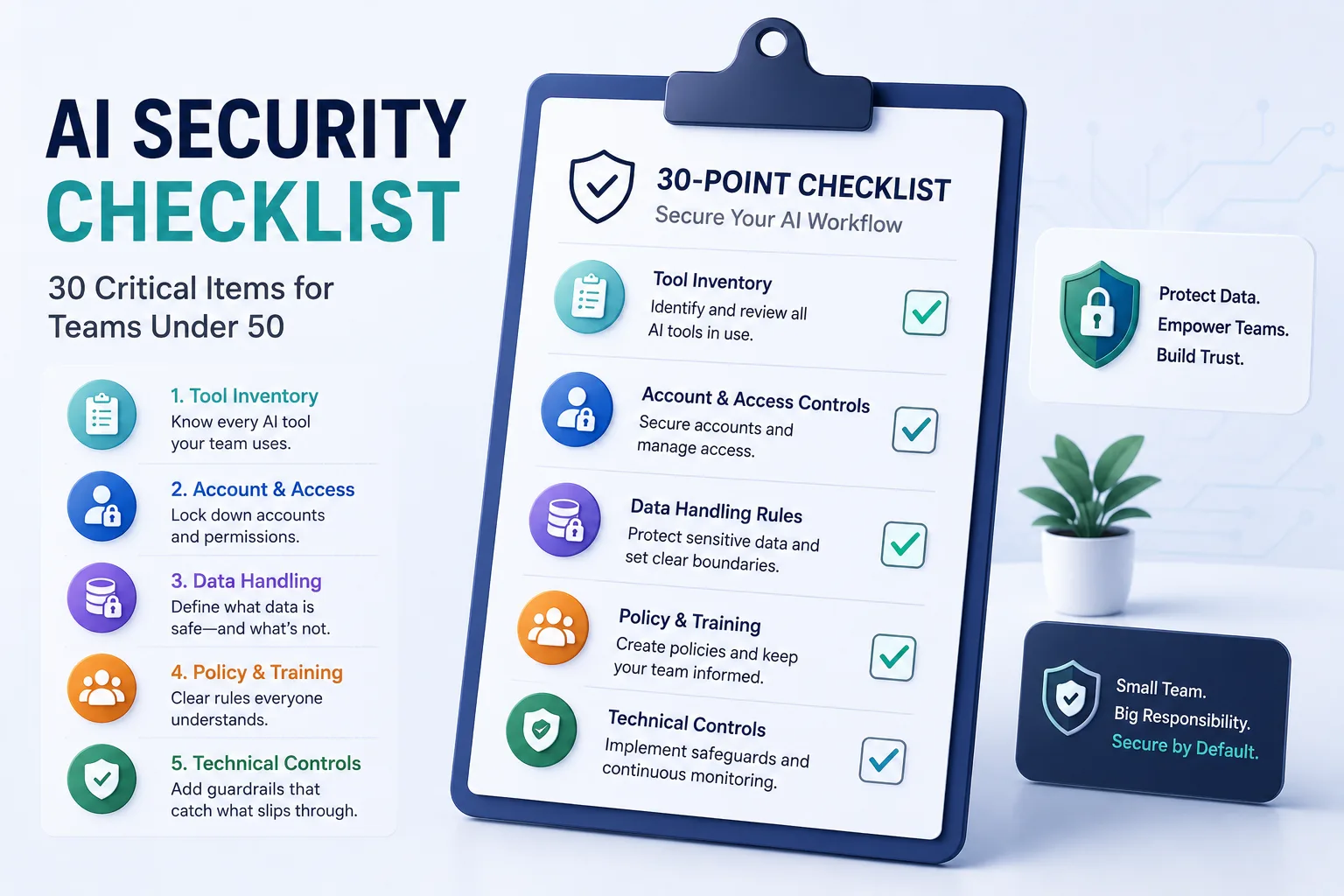
This AI security checklist covers 30 specific items across those three areas, plus two more. Built for teams under 50 with no IT department.
Start with Section 2 if your team is already using AI tools and you want the fastest wins. If you've never done a tool inventory, begin with Section 1.
Section 1: AI Tool Inventory
You cannot secure tools you don't know about.
- [ ] 1. List every AI tool your team is currently using. Include browser extensions, writing assistants, coding tools, and anything with a chat interface.
- [ ] 2. Identify which employees use which tools. Departmental usage patterns show you where the highest-risk inputs are concentrated.
- [ ] 3. Check whether personal accounts are being used on work devices. Free personal accounts have no enterprise data protections and typically train on everything submitted.
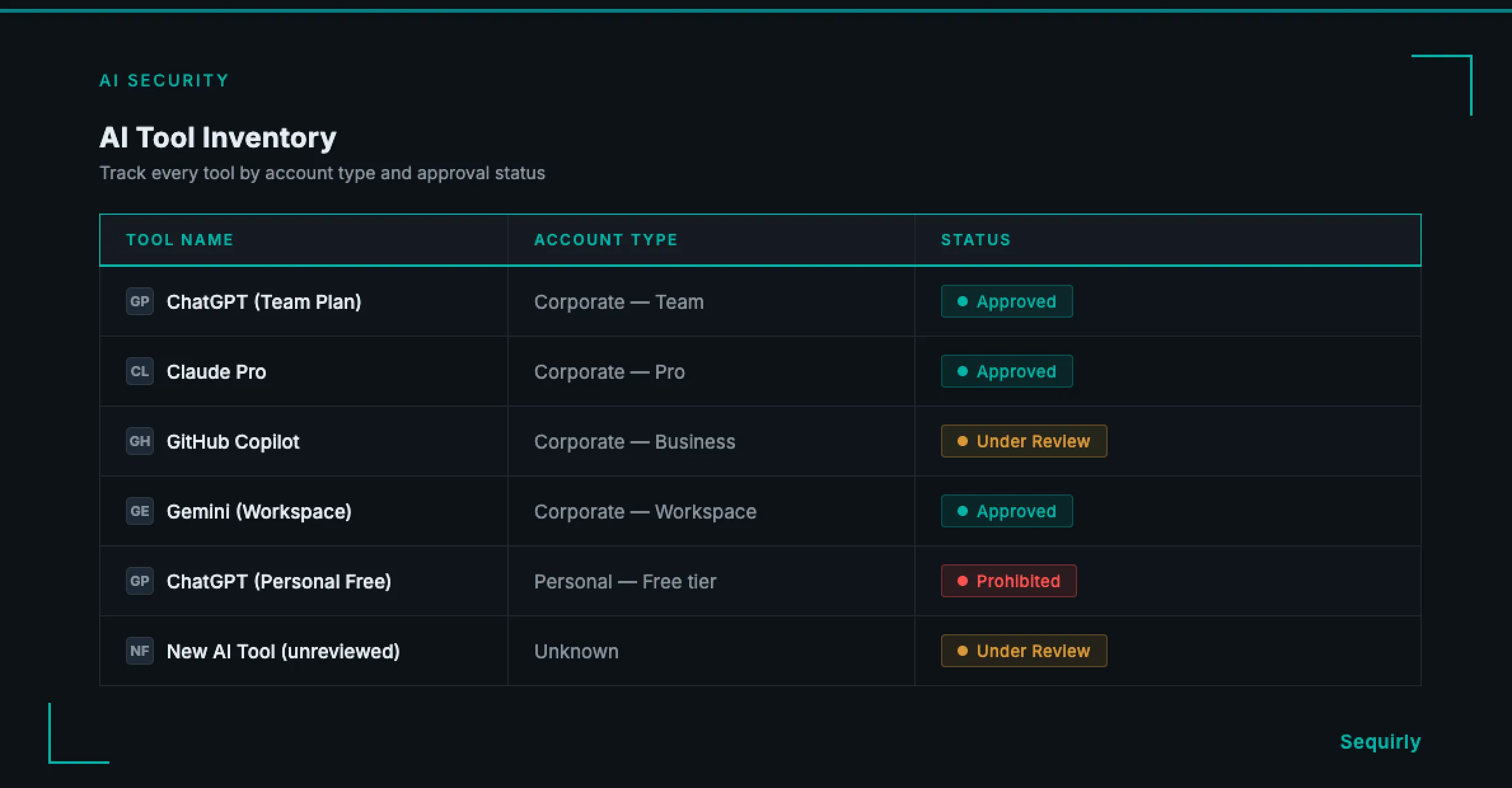
- [ ] 4. Classify each tool as approved, under review, or prohibited. Every tool in the "unknown" column is a gap in your security picture.
- [ ] 5. Confirm which tools have a paid business or enterprise plan. Free tiers and personal accounts are almost never appropriate for work data.
- [ ] 6. Repeat this inventory every quarter. AI tools change fast. A tool that was safe six months ago may have updated its data policy since.
Section 2: Account and Access Controls
Getting these settings right costs nothing and closes the most common gaps immediately.
- [ ] 7. Disable model training on your data in every approved tool. In ChatGPT, go to Settings > Data Controls > Improve the model for everyone. In Claude and Gemini, check the equivalent data usage settings.
- [ ] 8. Turn off conversation history or memory where sensitive work is done. Some tools retain conversation context across sessions by default.
- [ ] 9. Require corporate email addresses for all AI tool accounts. Personal accounts sit outside your visibility entirely and cannot be managed or audited.
- [ ] 10. Enable two-factor authentication on all AI tool accounts. A compromised account can expose months of submitted data.
- [ ] 11. Remove access for employees who have left the team. Former team members with active AI accounts remain an exposure point.
- [ ] 12. Check whether your approved tools offer admin visibility into team usage. If it's available and you're not using it, turn it on.
Section 3: Data Handling Rules
These items make "sensitive data" specific enough that your team can apply the rules without asking every time.
- [ ] 13. Define what counts as sensitive data for your specific team. Generic labels like "confidential" are not actionable. Name the actual categories: client contact lists, source code, financial projections, unreleased campaign strategies.
- [ ] 14. Create a short list of data that should never go into any AI tool. Start with: passwords and API keys, health or financial records, legal communications, and any data covered by an NDA or client contract.
- [ ] 15. Confirm no credentials or API keys are being pasted into AI tools. This is one of the most common and most serious exposure patterns on technical teams.
- [ ] 16. Clarify which AI tools, if any, are approved for client data. If you process data under a client MSA or service agreement, pasting that data into an unapproved tool may breach the contract.
- [ ] 17. Set a rule for how AI-generated outputs should be handled. Output generated from sensitive inputs inherits the same sensitivity classification.
- [ ] 18. Check your approved tools' data residency policies. Where data is stored matters for GDPR, HIPAA, and certain client contractual requirements.
For a full breakdown of why standard data protection tools miss what happens inside browser-based AI tools, see AI Data Loss Prevention (DLP): What It Is and Why Your Team Needs It.

Prevent accidental data leaks to ChatGPT, Claude, and Gemini.
Sequirly scans your prompts and uploaded files before they're sent. If it finds credentials, client records, or API keys, it stops you before the request goes out.
Section 4: Policy and Training
A policy nobody has read is the same as no policy.
- [ ] 19. Write a one-page AI acceptable use policy. You need one page: approved tools, prohibited data types, the reporting process, and a named owner. Not a 30-page compliance document.
- [ ] 20. Get signed acknowledgment from every team member. Unsigned policies aren't enforceable and don't hold up in incident reviews.
- [ ] 21. Include AI data handling in new hire onboarding. The exposure risk is highest in the first few weeks, when employees default to personal habits.
- [ ] 22. Run a 15-minute AI security refresh every quarter. AI tools change defaults, add new features, and update privacy policies. Your team's understanding of what's safe needs to keep pace.
- [ ] 23. Create a no-blame process for employees to report accidental exposure. If reporting feels risky, incidents stay hidden. A Slack message or email alias is enough.
- [ ] 24. Document approved use cases alongside prohibited ones. People comply more consistently when they understand the purpose of the rule, not just the restriction.
Section 5: Technical Controls
Policy and training reduce accidental exposure. These items catch what gets through anyway.
- [ ] 25. Add browser-level detection for sensitive data before it's submitted. Pre-submission detection is the only control that stops data from reaching an external AI model. Logging after the fact is useful for incident reports, not prevention.
- [ ] 26. Block or restrict access to non-approved AI tools where technically feasible. A DNS block or browser policy removes friction from compliance without requiring ongoing monitoring.
- [ ] 27. Set up alerts for unusual AI usage patterns where your tools allow it. Sudden bulk submissions or off-hours activity can signal an accidental or intentional exposure event.
- [ ] 28. Test your controls quarterly. Run a deliberate test using synthetic sensitive data to confirm your detection and blocking rules are working.
- [ ] 29. Review vendor privacy policies for each approved tool at least annually. Policies change. An annual review keeps your approved tool list accurate.
- [ ] 30. Have a documented response plan for AI data exposure. Define who gets notified, what gets assessed, and what the containment steps are. A plan written after an incident is too late.
For a broader picture of how to build AI security across your whole team, including governance, shadow AI discovery, and tool evaluation, see AI Security for Teams: The Complete 2026 Protection Guide.
Where to Start
If 30 items feels like a lot, start with the three that close the highest-risk gaps first.
First: Complete the tool inventory (Items 1-6). You need to know what's running before you can control anything.
Second: Check and update privacy settings on every approved tool (Items 7-12). Turning off model training and requiring corporate accounts costs nothing and closes the most common exposure immediately.
Third: Define what counts as sensitive data for your team (Item 13) and write the one-page policy (Item 19). Without a shared definition, every other control operates without a baseline.
The remaining 21 items can be addressed over four to eight weeks. None require an IT department. Most take under an hour.
Get the Full Checklist as a PDF
The 30-item checklist above is available as a formatted PDF you can share with your team, track against, and include in new hire onboarding materials.
Download: AI Security Checklist PDF
Get the formatted 30-item checklist as a PDF — ready to share with your team or include in new hire onboarding materials.
If you want a technical control for Item 25 without involving an IT department, Sequirly runs as a browser extension and catches sensitive data before it leaves the tab. Setup takes two minutes. Try Sequirly free.