
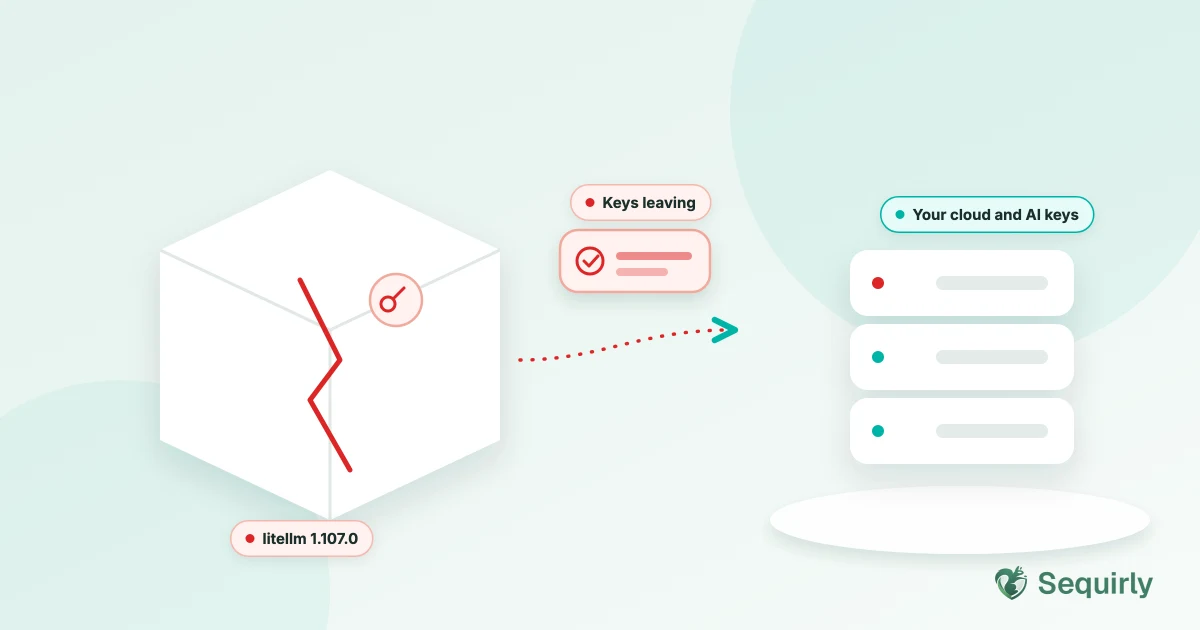
If you or your developers installed LiteLLM version 1.107.0 on October 21, treat every key and secret on that machine as stolen and rotate it. The safe version is 1.106.2.
LiteLLM is a popular open-source library that lets apps talk to many AI providers through one interface. Attackers got into its release pipeline and published a poisoned version that stole credentials.
You may never have heard of LiteLLM, but your developer or agency might have it inside a tool they built for you, so it's worth one question.
Let's look at what happened, how to check, and what to rotate.
What happened
The poisoned release added three extra files to the package. According to BleepingComputer, those are `cook.pth`, `cook.py` and `sitecustomize.py`.
Those files run whenever Python starts in that environment, which means the malware ran even when someone just opened Python or ran pip to investigate.
The LiteLLM maintainer says the release pipeline was compromised. Wiz reports the maintainer found that a GitHub CLI token had been used to break into its release workflow.
The malware also checked a GitHub-hosted pointer every hour and could download and run new code, which left a door open for the attacker to come back through.
What it stole
The list is long. According to BleepingComputer and Wiz, it went after:
- Cloud credentials for AWS, Google Cloud, Azure and Kubernetes
- API keys for AI providers like OpenAI and Anthropic, from environment variables and config files
- Provider keys stored inside LiteLLM's own database
- GitHub, npm, PyPI and CI/CD tokens
- SSH keys and `.env` files
- Browser cookies and saved logins
That `.env` file is worth a pause. It's the same kind of file people paste into ChatGPT when they're debugging. We wrote about that in what to do when you've pasted an API key into ChatGPT.
Stolen keys also get used fast, since Wiz saw attackers testing stolen AWS credentials about four and a half hours after they were taken. They checked what the credentials could do and then looked for AI models they could run on someone else's bill.
How to check if you were hit
Ask your developer, or check yourself, in this order.
If you can't tell, assume the worst. Rotating keys costs you an afternoon, while a stolen cloud key can cost you far more.

Prevent accidental data leaks to ChatGPT, Claude, and Gemini.
Sequirly scans your prompts and uploaded files before they're sent. If it finds credentials, client records, or API keys, it stops you before the request goes out.
What to rotate
If the machine or container ran 1.107.0, rotate everything that was reachable from it.
BleepingComputer also advises stopping affected deployments, isolating the system and rebuilding it from clean backups instead of just deleting the package, because removing the package folder alone can leave startup files or the loader behind.
Then check your AI providers' usage and billing pages for requests you didn't make. We cover that in the first-hour key checklist.
What to ask your developer or agency
You don't need to read code to protect yourself. Send this:
- "Do we use LiteLLM anywhere, directly or inside a tool you built?"
- "Which version, and was anything built or deployed on October 21?"
- "Are our keys stored in one place, and have they been rotated since?"
If the answer to the last one is "no", that's the real finding. For more on protecting source code and keys on dev teams, see AI security for dev agencies.
Where Sequirly fits
This was a software supply chain attack, and Sequirly isn't built to stop it because it doesn't scan your packages or your servers.
What it does is check what your team pastes into ChatGPT, Claude or Gemini and warn them before keys and other credentials leave the browser. Those are the same secrets this malware went after, so it's one less place for them to leak.
Common Questions
What is the LiteLLM supply chain attack?
It's an attack where criminals published a poisoned version of the LiteLLM library (1.107.0) on October 21, 2026. The package stole cloud, AI provider and developer credentials from machines that installed it.
Which LiteLLM version is safe?
Version 1.106.2 is the latest clean release before the attack, according to BleepingComputer and Wiz.
How do I know if I installed the malicious LiteLLM version?
Check for version 1.107.0 or the affected Docker tags, and look for the files `cook.pth`, `cook.py` and `sitecustomize.py` in your Python environment.
Do I need to rotate my API keys?
Yes, if 1.107.0 ran anywhere your keys were available. Rotate cloud credentials, AI provider keys, GitHub and package tokens and anything in `.env` files.
Does Sequirly protect against supply chain attacks like this?
No. Sequirly doesn't scan packages or servers. It warns your team before they paste keys and other sensitive data into AI tools.
Where to start
Ask your developer the three questions above today.
Then scan your ChatGPT history to see whether any keys are sitting in there too, and try Sequirly free to catch the next one before it leaves your browser.