
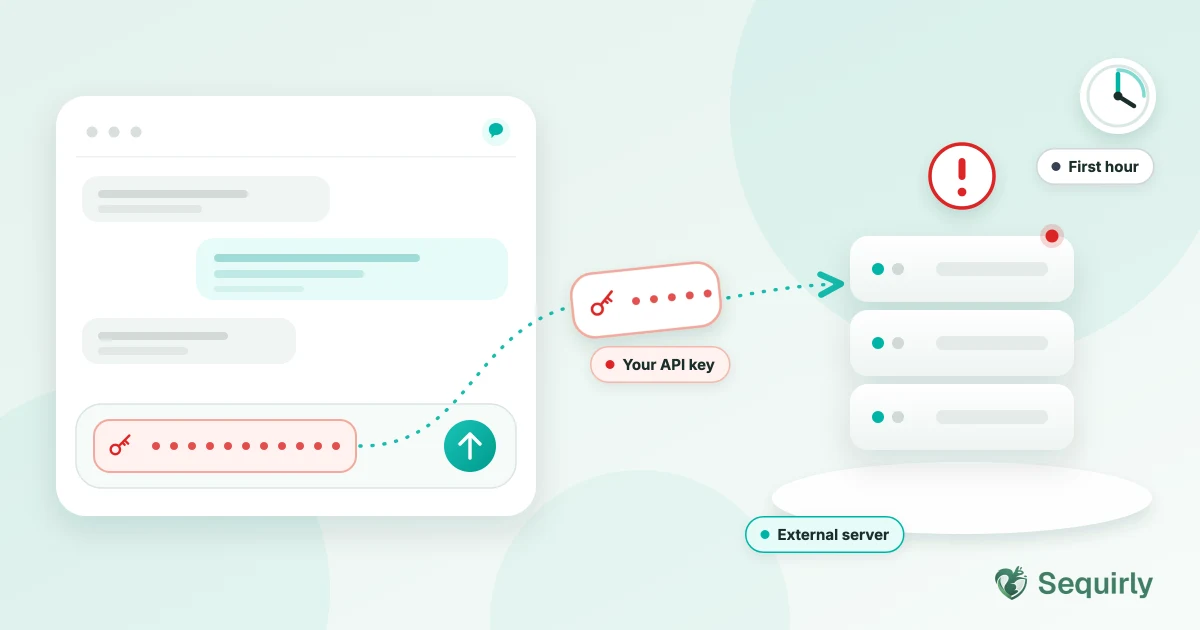
If you pasted an API key into ChatGPT, you must treat it as exposed and rotate it immediately. Deleting the chat doesn't mean the leak is prevented.
Your key is now present inside an external server, and based on the settings of your account, it can be used to train the AI model.
So if this happened to you, don't panic. The first hour matters more than anything you do after. You need to inform the concerned authority, maybe your team leads or a security expert in your team.
Don't try to hide it, as it is natural and also happens to careful people.
You are debugging, the error message sits next to a config file, and the key goes in with everything else.
Let's see what you need to do if you leaked the API key.
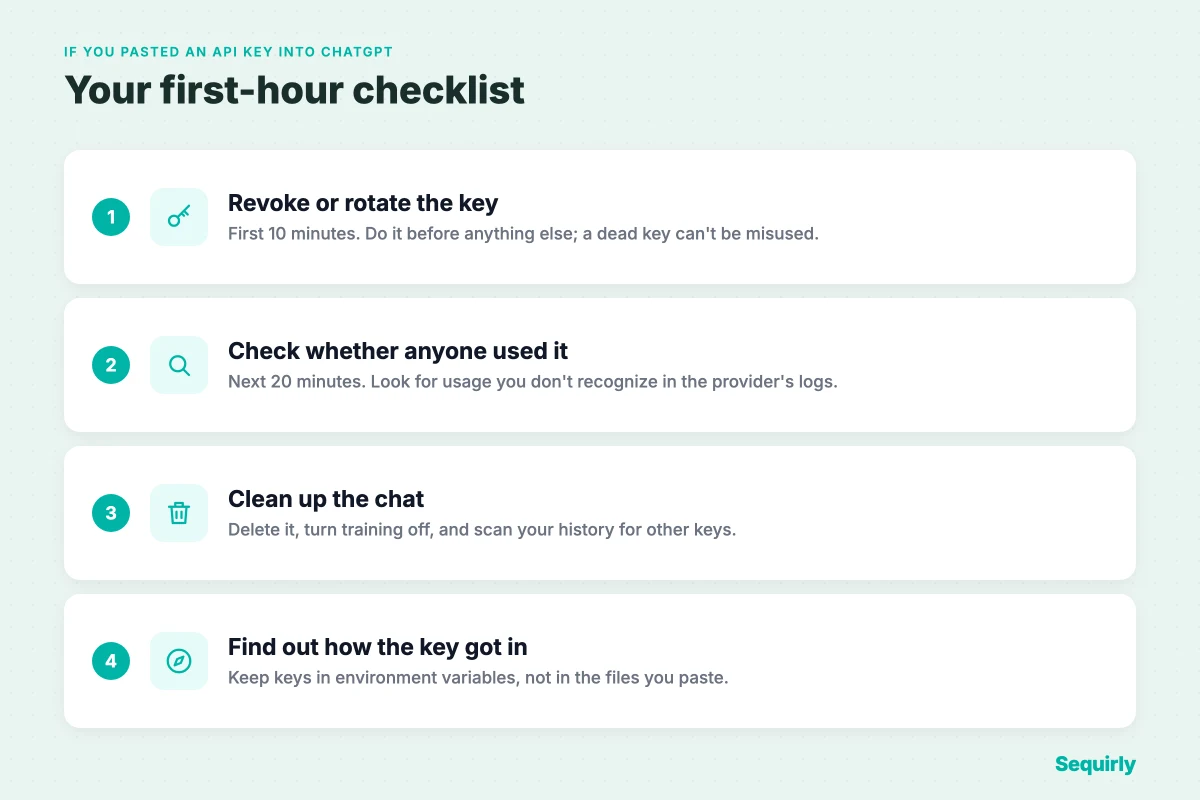
Step 1: Revoke or rotate the key (first 10 minutes)
Do this before you check anything else. You don't need to know whether anyone saw the key to know it should stop working.
If the key is live in production, create the new key first, swap it in, then switch off the old one. If nothing depends on it, just revoke it.
Here's where to do it for the keys that get pasted most often.
| Key | What to do |
|---|---|
| AWS access key | Create a second access key. Update your apps to use it. Then deactivate the old key (don't delete it yet), confirm nothing breaks, and delete it after that. |
| Stripe secret or restricted key | In the Dashboard, open API keys and choose Rotate key. Pick an expiration of "Now" if the key is compromised, which deletes the old key. Otherwise Stripe lets both keys work for up to 7 days. |
| GitHub personal access token | Go to Settings, then Developer settings, then Personal access tokens. Delete the token and create a new one. |
| OpenAI API key | In the OpenAI platform dashboard, delete the key on the API keys page and create a new one. |
| Anything else | Find the provider's key page. Revoke or rotate the key, then update every app that used it. |
Sources: AWS: updating access keys, Stripe: rotating API keys, GitHub: secret scanning alerts. Menu names change, so check the provider's current docs if a screen looks different.
Step 2: Check whether anyone used it (next 20 minutes)
Now look for activity you don't recognize. Check the time window from the moment you pasted the key.
- OpenAI: open the Usage page and look for requests you didn't make.
- AWS: check the key's "Last used" information in the IAM console.
- Stripe: open the key's request logs from the API keys page.
- GitHub: review your account's security log.
If you see activity that isn't yours, contact the provider's support with timestamps and the key name. Then rotate anything else that key could reach.
Step 3: Clean up the chat (and know what cleanup can't do)
Delete the conversation. It's still worth doing.
But it doesn't undo the share. OpenAI keeps conversation data for up to 30 days even after you delete it, and the key already left your browser.
If you're on a Free or Plus plan, your chats can also be used for training unless you turned that off. Here's what every ChatGPT plan does with your data.
Turning training off protects what you send next. It does nothing for what you already sent, which is exactly why step 1 comes first.
One more check. If the key went in once, others may have too.
Export your ChatGPT history and scan it with our free scanner. It runs in your browser, and nothing is uploaded.

Prevent accidental data leaks to ChatGPT, Claude, and Gemini.
Sequirly scans your prompts and uploaded files before they're sent. If it finds credentials, client records, or API keys, it stops you before the request goes out.
Step 4: Find out how the key got in there
Nobody pastes a live key on purpose. It travels along with something else.
- A whole `.env` file pasted in to debug a setup problem
- A stack trace or log that includes a connection string
- A `curl` command with the Authorization header still in it
- A config file or `docker-compose.yml` with the secret inline
If you pasted a whole file, rotate every secret in it. Start with the ones that can move money or reach customer data.
Then fix the habit, not the person. Keep keys in environment variables or a secrets manager, never in the file you paste. Stripe's own guidance says the same thing: no keys in source code or config files checked into version control.
How to stop it happening again
You can write the rule down. Our AI acceptable use policy guide shows where "no credentials in prompts" belongs.
But a rule doesn't help at 6pm on a deadline. People follow the rule right up until they are tired and the error is on screen.
What helps is a check at the moment of the paste. Sequirly checks what you're about to send to ChatGPT, Claude or Gemini, and warns you before an API key or other credential leaves your browser. Detection runs locally in your browser.
Sequirly has limits too.
- It can't take back a key that already left.
- It doesn't replace rotating a key you already pasted.
- It doesn't cover desktop AI apps, only browser-based tools.
Common Questions
Is my API key safe if I delete the ChatGPT conversation?
No. Deleting the conversation removes it from your account, but OpenAI can keep it for up to 30 days and the key has already been sent. Rotate it.
Will ChatGPT train on my API key?
On Free and Plus, your conversations can be used for training unless you turned that off. Business and Enterprise plans don't train on your data by default. Either way, rotate the key.
How do I know if someone used my API key?
Check the provider's usage or request logs for the time since you pasted it. Look for requests, locations or IP addresses you don't recognize.
Do I need to rotate every key if I pasted a whole .env file?
Yes. Treat every secret in the file as exposed and rotate each one, starting with the ones that can move money or reach customer data.
Who should I tell?
Tell whoever owns the account, quickly. A mistake reported in the first hour is a small problem; the same mistake found weeks later isn't.
Where to start
If you pasted a key, do step 1 right now, and tell your team lead.
If you haven't, scan your ChatGPT history to see whether a key is already sitting in there.
Then try Sequirly free so the next one gets caught before it leaves your browser.