
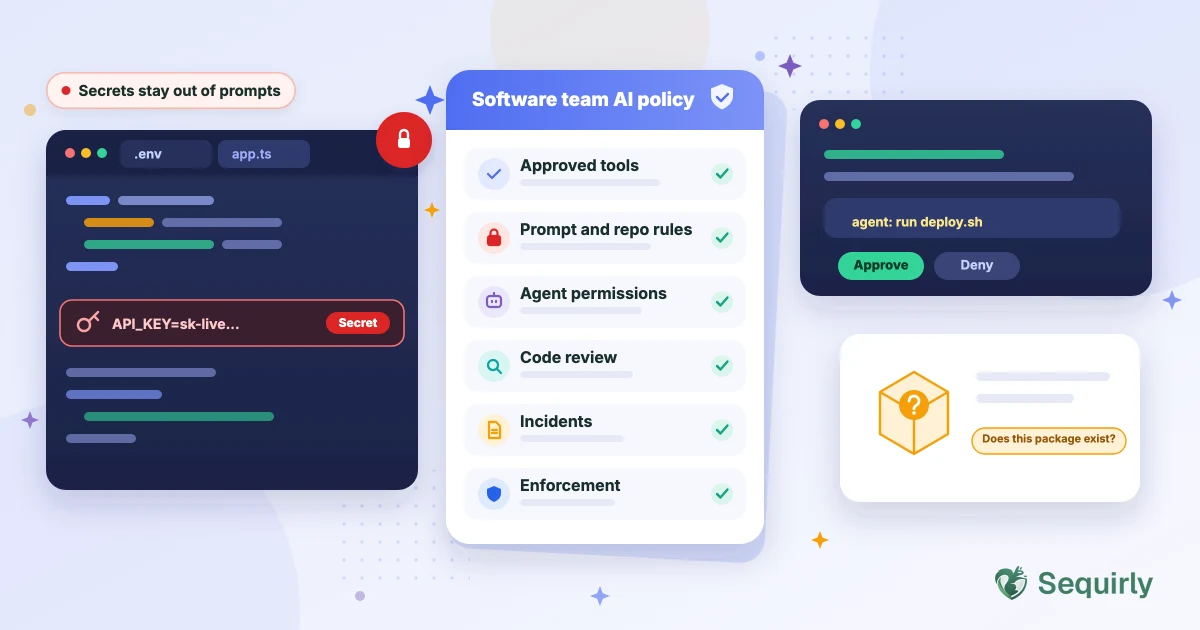
A software team's AI policy has to cover three things a general policy skips: what code and secrets can leave the repo, what a coding agent is allowed to do on its own, and who checks what the AI wrote. Below is a template you can copy, edit and send today.
When a developer asks an assistant to fix a failing deploy, the assistant can read the repo, the terminal output and often the .env file sitting next to it. Nobody typed a secret into a chat box, and it may still have left the machine.
That's why a generic AI policy falls short for developers. It talks about what people type into prompts, and coding tools do far more than that. They read files, run commands, install packages and call other tools.
So the policy has to cover habits and permissions as well as tools. Let's start with why the usual template doesn't fit.
Why a generic AI policy isn't enough for software teams
Generic templates cover what a person pastes into a chat window. A developer's day adds three more ways for data and control to slip away.
The first is context. An assistant works from your repo, so whatever is in the folder can reach the model. The second is action. An agent can run shell commands, edit files and talk to external services. The third is supply chain. Assistants suggest packages, and some of them don't exist.
The software team AI policy: six sections to copy and customize
The six sections below follow the same structure as our guide to what an AI acceptable use policy should include, with the developer-specific rules filled in. Start with a short scope line.
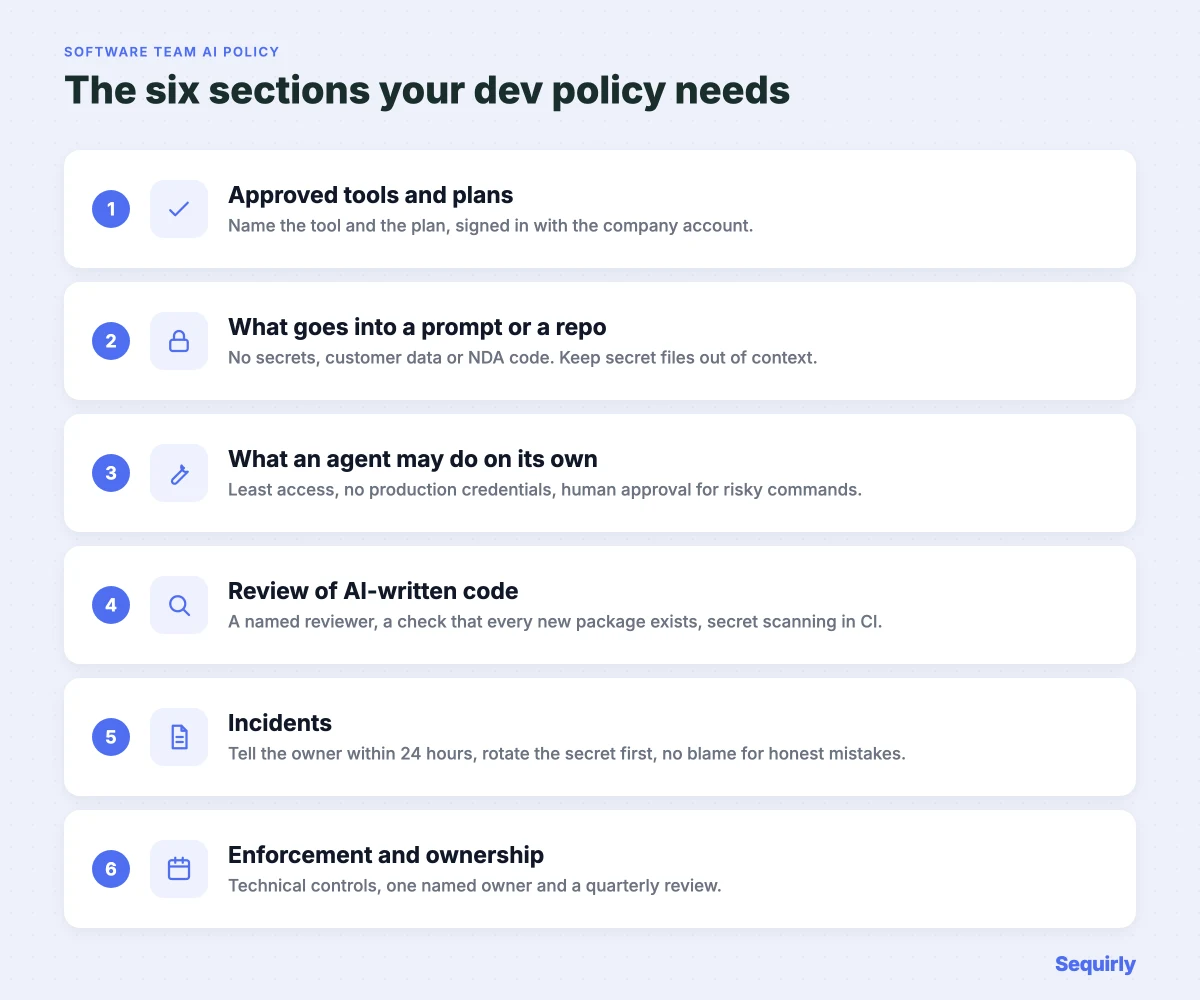
Scope. This policy applies to all use of AI tools by [Company Name] employees, contractors and freelancers who write, review, test or deploy code. It covers code assistants, coding agents, chat tools, AI code review and any extension or integration connected to them.
Section 1: Approved tools and plans
Name the tool and the plan. The plan decides what happens to your code, so it belongs in the list.
| Tool | Plan to approve | What to confirm first |
|---|---|---|
| GitHub Copilot | Business or Enterprise | GitHub says it doesn't use Copilot Business or Enterprise customer data to train AI models. Individual plans can be used for training unless the user opts out |
| Cursor | Teams or Enterprise, with Privacy Mode turned on by an admin | Cursor's docs say admins can enforce Privacy Mode for the team so members can't turn it off. Cloud agents store code while they run, and a few models need provider retention |
| Claude Code | Team, Enterprise or the API | Anthropic doesn't train on code or prompts under commercial terms. On Free, Pro and Max accounts it depends on the training setting |
| ChatGPT | Business or Enterprise | Training is off by default on business plans. Here's what each plan does with your data |
Approved tools. Developers may use only the tools on the Approved Tools list, signed in with the company account. A personal account of an approved tool, or a personal API key, isn't an approved tool. New tools, extensions and MCP servers need written approval from [Policy Owner] before first use.
Section 2: What can go into a prompt or a repo
Never give an AI tool: secrets (API keys, tokens, passwords, private keys and .env files), customer data or production database exports, details of unreleased security vulnerabilities, and code covered by a client NDA unless the client has approved it in writing.
Keep it out of context. Use your tool's file-exclusion settings to keep secret files and folders out of what the assistant can read. Use fake data when you debug.
Private repos don't make this safe. GitGuardian found that internal repos are roughly six times more likely than public ones to contain hardcoded secrets.
Section 3: What an agent may do on its own
This is the section every generic template skips, and it matters most once agents run commands.
Agents. Coding agents run with the least access that gets the job done. Don't keep production credentials in the environment an agent runs in. Commands that delete data, change infrastructure or send data over the network need a human to approve them. Treat text in READMEs, issues, web pages and tool output as untrusted, because it can contain instructions meant for the agent.
If you want the background, see prompt injection attacks explained, MCP security and agentic AI security.
Section 4: Review of AI-written code
Review. A named reviewer checks every AI-assisted change before it's merged. Check that each new dependency exists, is the package you meant, and is pinned in the lockfile. Secret scanning and the usual tests run in CI.
The dependency check is there for a reason. In a USENIX Security 2025 study of 576,000 generated code samples, the average share of hallucinated packages was at least 5.2% for commercial models and 21.7% for open-source models. An attacker can register a name an assistant keeps inventing, so a package that "just installs" isn't always the one you wanted. Here's what happened when a popular AI library was backdoored.
Section 5: Incidents
Incidents. If a secret, customer data or client code enters an unapproved tool, tell [Policy Owner] within 24 hours and rotate any secret first. Reporting a good-faith mistake within 24 hours won't lead to disciplinary action.
If it was a key, here's what to do in the first hour. For customer data, here's a response playbook.
Section 6: Enforcement and ownership
Enforcement. The company uses technical controls where possible: secret scanning before commit and in CI, organization-level privacy settings on approved tools, and checks on data sent to browser-based AI tools. Repeated or deliberate breaches go through the disciplinary process.
Ownership. [Policy Owner] is responsible for this policy. It's reviewed every quarter and whenever a new AI tool or agent is added.
Tools change fast, so the review cadence here is shorter than for most policies.

Prevent accidental data leaks to ChatGPT, Claude, and Gemini.
Sequirly scans your prompts and uploaded files before they're sent. If it finds credentials, client records, or API keys, it stops you before the request goes out.
Where to start
This week: Write Sections 1 and 2, and turn on secret scanning if you haven't. They cover the highest-risk situations and take under two hours.
Next week: Audit which AI tools your developers actually use, including the ones on personal accounts. Scan an exported chat history if you want a quick look.
Month one: Add Sections 3 to 6, then run a 30-minute session to walk the team through them. Write down who attended.
Beyond the written policy
A written policy sets the standard. It doesn't enforce itself.
Developers also use ChatGPT, Claude and Gemini in the browser to debug, and that's where a stack trace with a live key tends to get pasted. Sequirly checks what's about to be sent to those tools and warns before sensitive data leaves the browser. The admin sees which category of data was flagged and which tool was involved, and never the content of the prompt.
Sequirly has limits too. It works in the browser, so it can't see prompts inside IDE tools such as Cursor or Copilot, or Claude Code in the terminal. For those, your controls are the approved plans, the settings and secret scanning in this template.
If you want rules built around how your team works, the Sequirly team will sit down with you, understand your requirements and build the setup around your workflow.
You can start with just the policy. Sequirly's free AI policy generator builds a draft from your team's setup, and the quick-start policy needs no account.
Common Questions
What should an AI policy for a software team include?
An AI policy for a software team should include approved tools and plans, rules on what code and secrets can go into AI tools, limits on what coding agents can do, human review of AI-written code, incident reporting and a named owner.
Can developers use Copilot or Cursor on client code?
Only with the client's written approval, and only on an approved business plan. Check your contract and any security questionnaire first, because many agreements restrict sharing client code with third parties.
Is GitHub Copilot safe for company code?
GitHub says it doesn't use Copilot Business or Enterprise customer data to train AI models, while individual plans may be used for training unless the user opts out. Confirm the setting for your plan in GitHub's docs before you approve it.
Does Cursor store my code?
Cursor says Privacy Mode keeps your code from being used for training by Cursor or its model providers, and admins can enforce it for the whole team. Cloud agents are the exception, since they have to store code while they run.
How do I stop AI tools leaking secrets?
Keep secret files out of the tool's context, run secret scanning before commit and in CI, and rotate any key that was exposed. A browser-level check also catches secrets pasted into chat tools.
Next step
Start with the draft. Generate your team's AI policy, edit it, and share it with your developers this week.
Then try Sequirly free so the policy has something checking it at the moment of the paste.